png:100, pdf:1Most common file types, without opening the folder.
 FolderContents
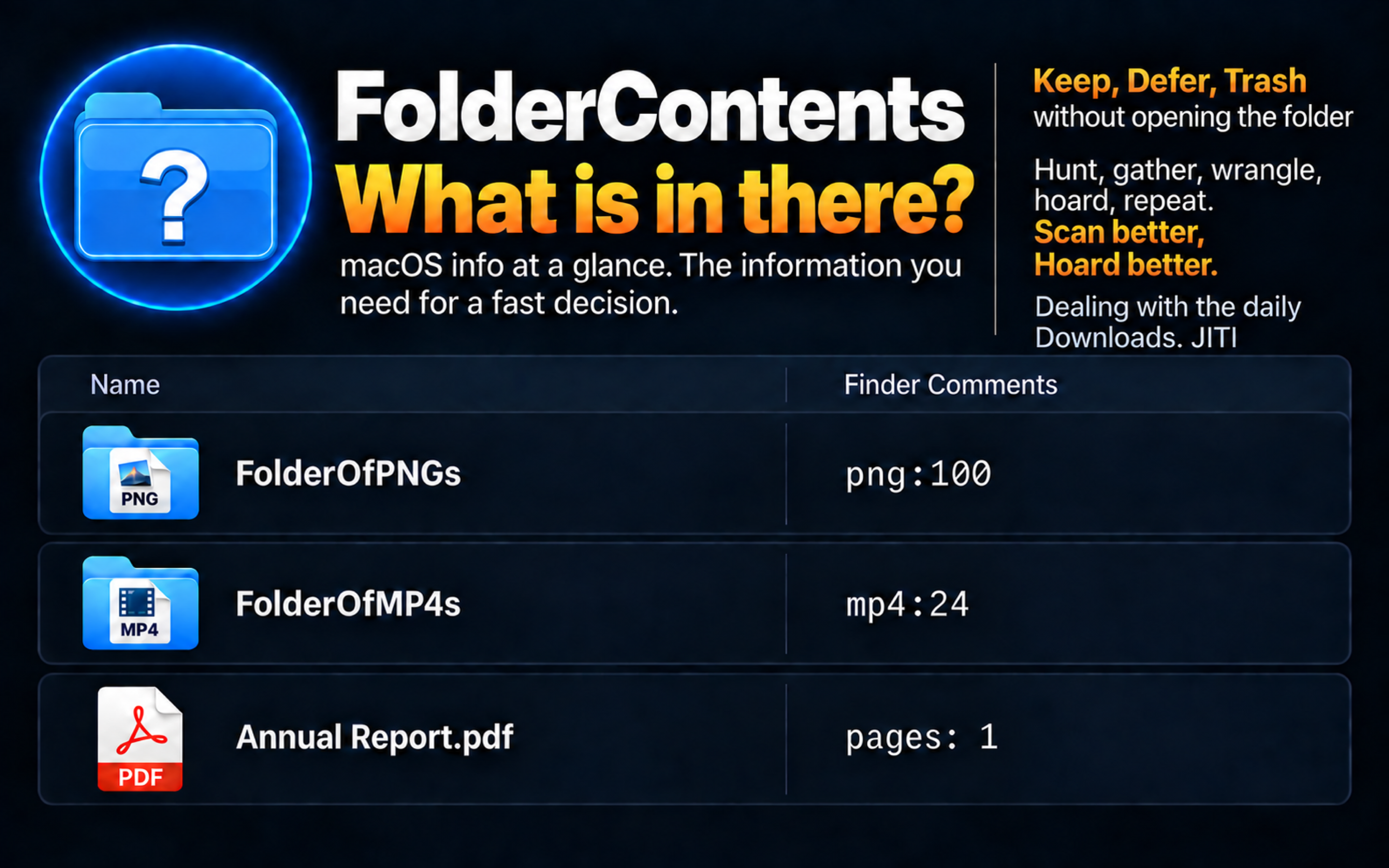
One column, useful answers
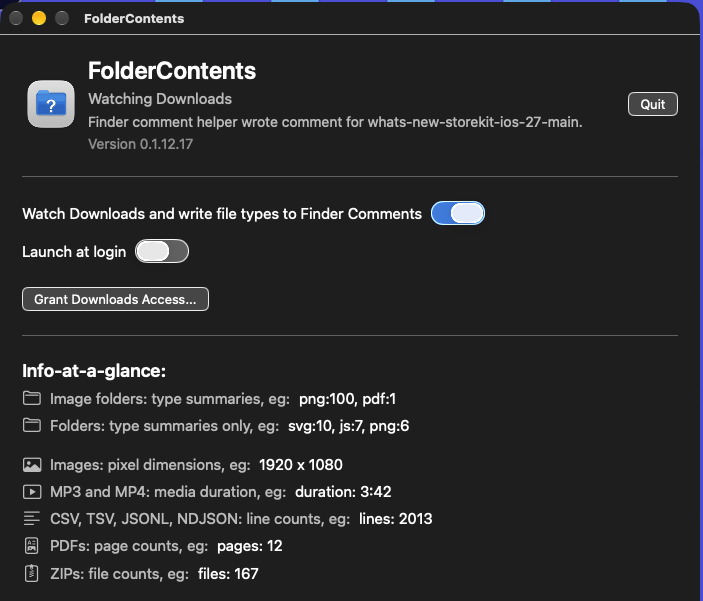
png:100, pdf:1Most common file types, without opening the folder.
size: 1920 x 1080Pixel dimensions for PNG, JPEG, WebP, AVIF, GIF, TIFF, HEIC, and HEIF.
duration: 3:42Duration for selected MP3 and MP4 files.
notes:60, cards:60Useful counts from database files that otherwise reveal almost nothing in Finder.
title:'Order history'The page title, without opening a browser or source editor.
pages: 12 · lines: 100Page, line, and ZIP file counts at a glance.
Finder comments are a snapshot. If files change, run FolderContents again to refresh the clue.
The app can show TXT first lines and use Ignore, Hoist, and Append example lists. Enable Append License info in Settings when needed; it defaults off. MIT License becomes MIT. The app and Quick Action share this setting through Settings.plist.
Set it once
FolderContents can comment new top-level Downloads automatically. The included Finder Quick Action handles selected files and folders on demand.
The legacy Quick Action has separate behavior. PDF and ZIP counts, NDJSON, TXT previews, example lists, and root-marker signals are app features. Drag items onto the app to use them.
Advanced · First-slot signals
These can look like noise to most people. For developers, makers, and technical teams, each one identifies the kind of folder immediately, so FolderContents recognizes it directly or hoists it ahead of ordinary file types.
SKILL.mdCodex skillmcp.jsonMCP configurationCLAUDE.mdClaude Code project instructionsAGENTS.mdCodex agent instructionsDockerfileDocker container imageContainerfileDocker or Podman container image*.xcodeprojXcode project*.xcworkspaceXcode workspacePackage.swiftSwift packagemanifest.jsonPackaged app, Chrome extension, or web projectpackage.jsonJavaScript or Node projectpyproject.tomlModern Python projectsetup.cfgPython package configurationCargo.tomlRust projectMakefileCommand-line build workflowPodfileCocoaPods-based Apple projectgo.modGo modulerequirements.txtPython dependenciesx86_64:1Mac app without Apple silicon support